


Referral Tool Kit
Ready-to-post social content to help you share the Sev Skin love. Download the assets, follow the quick steps for each format, add your referral code — and earn SEV SUITE points every time a friend redeems their free treatment.
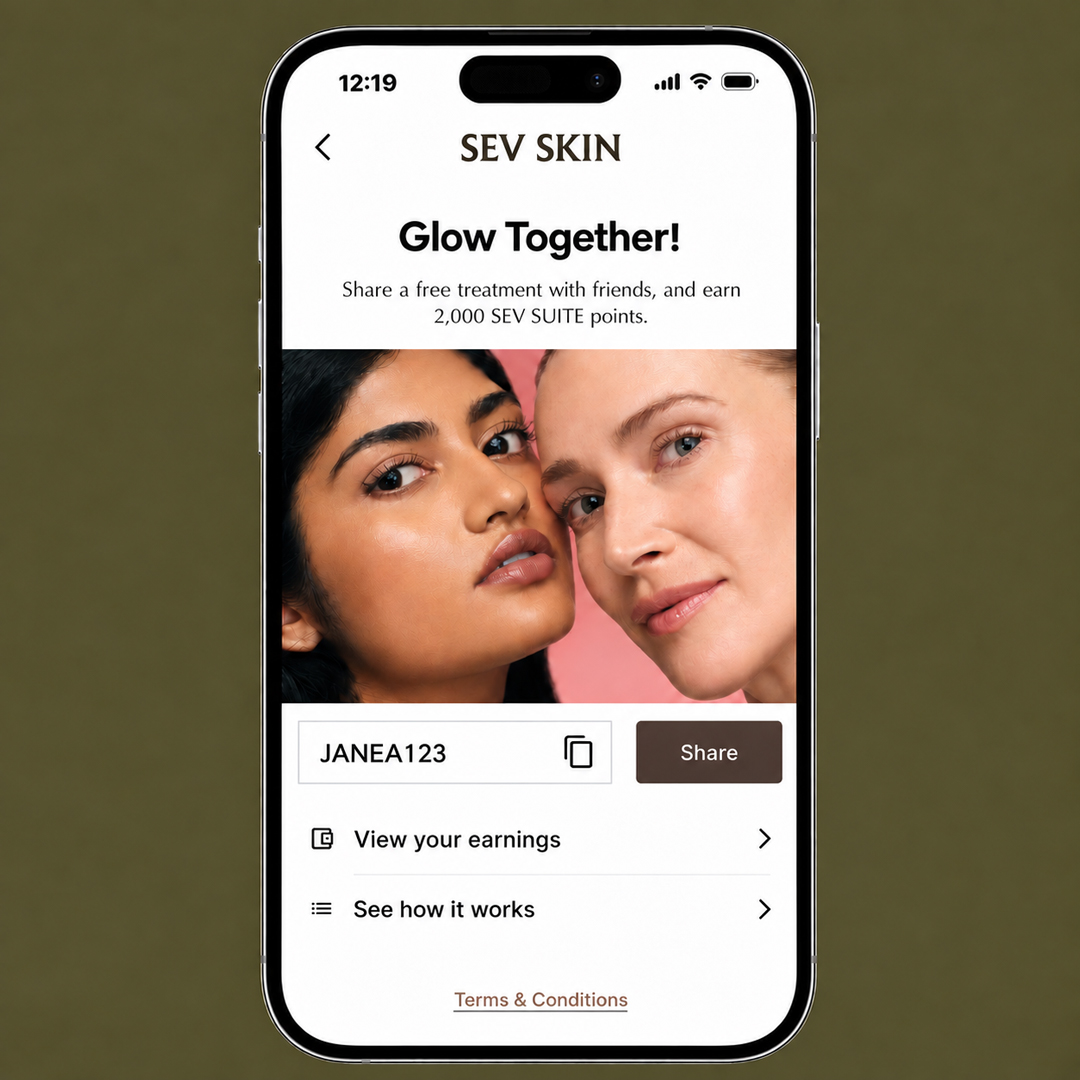
How to get your code
STEP 1: Sign in to your Sev Skin Account online or via the Sev Skin app.
STEP 2: Under your profile, click on Referral.
STEP 3: Copy your referral code (for IG Feed, IG Reel and TikTok) and link (for IG Stories) to share.
STEP 4: Earn 2,000 SEV SUITE points with every completed referral service.
Download assets + instructions here
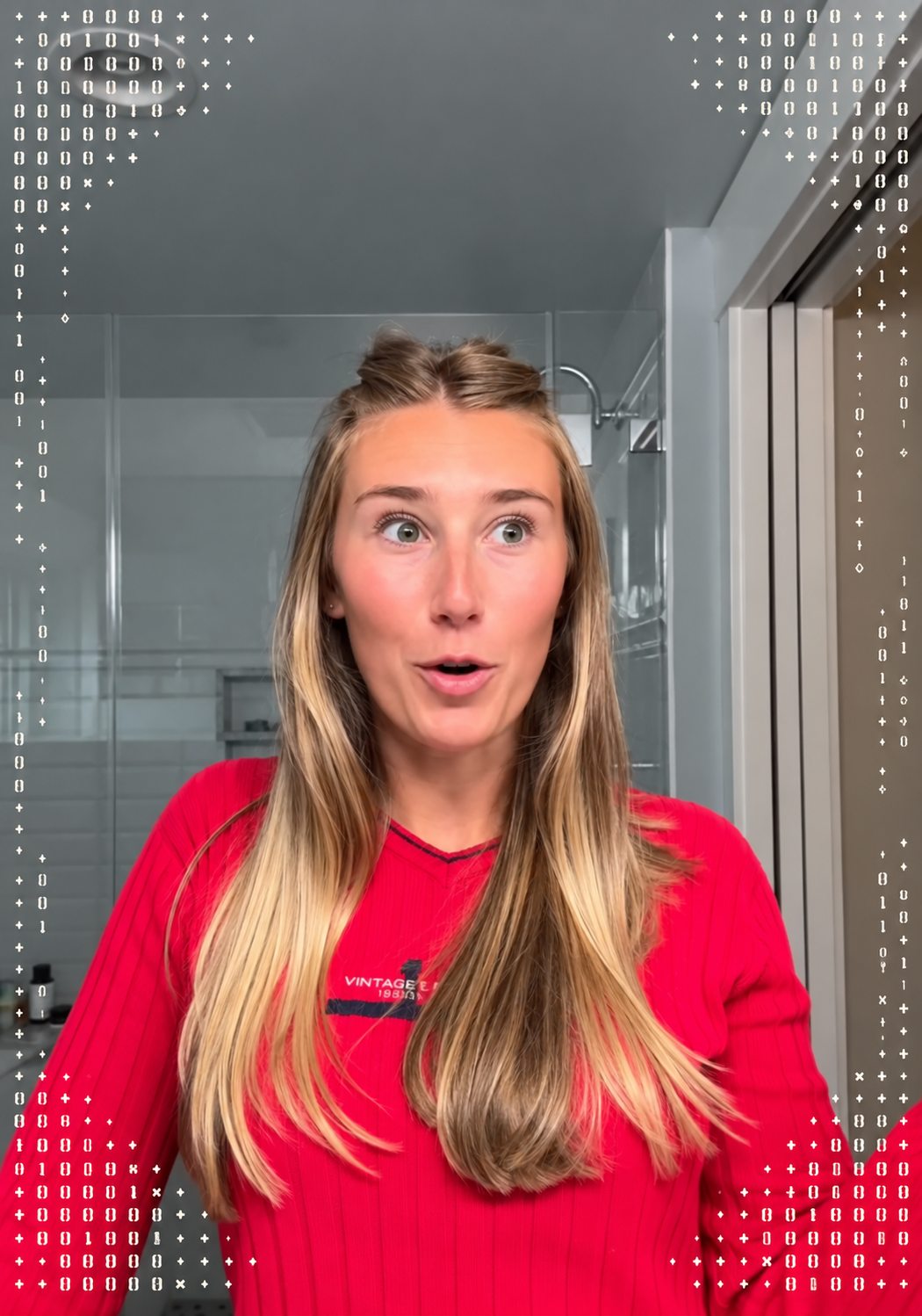
One TikTok, 20 free treatments
With a single post, SEV SUITE member Lindsay scored 20,000 points — enough for up to 20 free treatments. Try it for yourself!
Folder 01
TikTok / Reels
One 7-second vertical video (1080×1920)
Download folder (ZIP)
How to post
Download the video (it comes as a ZIP), unzip it and save the video to your phone.
Upload it via the Instagram Reels or TikTok post feature.
Paste the sample caption below and replace (INSERT YOUR CODE) with your referral code.
Sample caption
Copy caption
Sev Skin is my go-to for all things laser and skin, and I think you'll love it too. Get your first treatment free with my referral code (INSERT YOUR CODE). @sevskin (IG) / @sevlaser (TikTok). How to redeem: 1) Go to sevskin.com and click Book Now. 2) Create a new profile + insert my code. 3) Choose any of the services listed in the Referral Services tab. 4) Enter my code (INSERT YOUR CODE) to get your first treatment free!
Important: Make sure you're a SEV SUITE member and use your personal referral code or URL to receive your points.

Folder 02
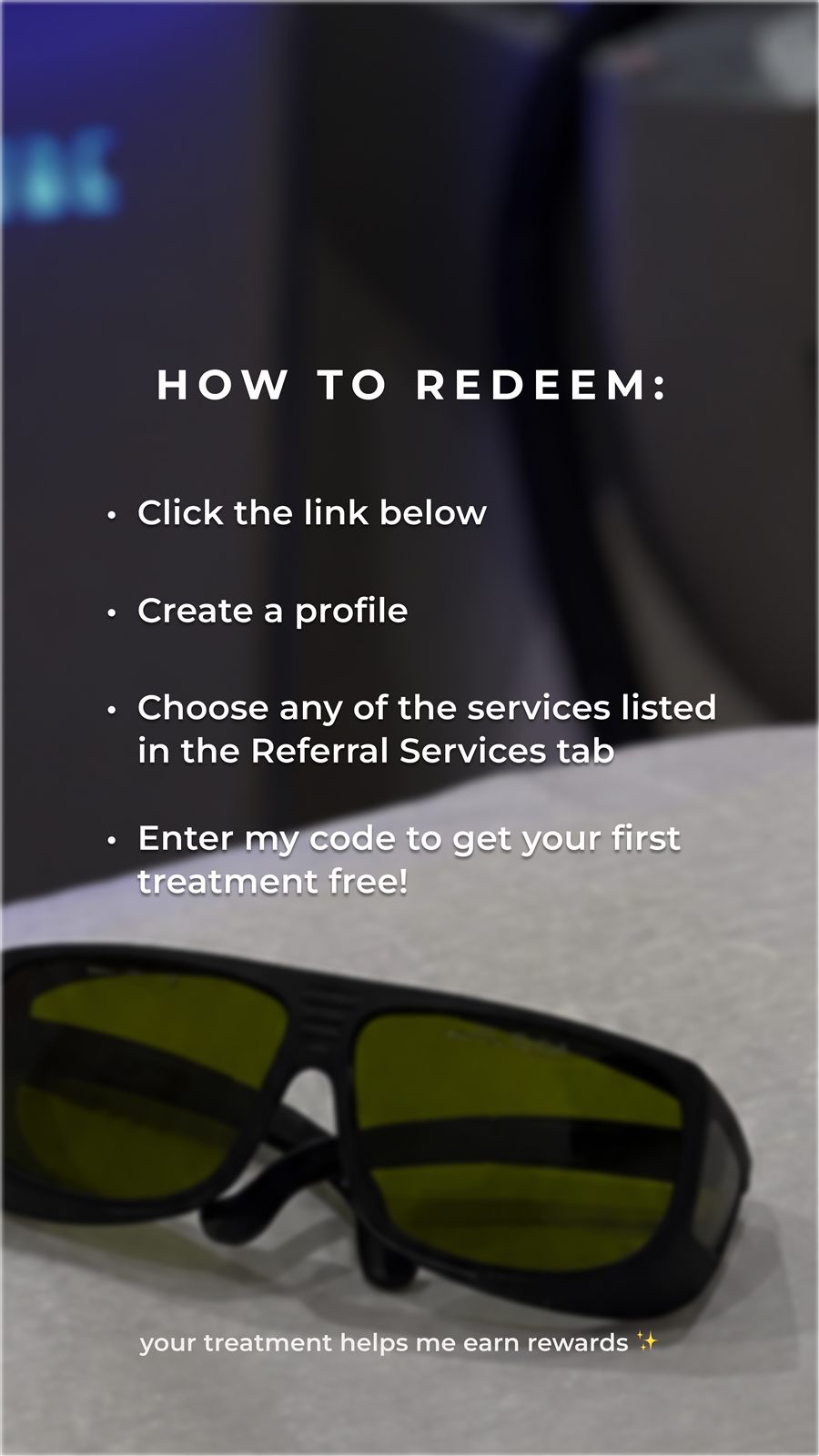
Instagram Stories
Two slides — post them in order
Download folder (ZIP)
How to post
Download both slides (they come as ZIPs), unzip them and save them to your phone, then upload them in order (Slide 1 video, then Slide 2 image).
Tag @sevskin.
On Slide 2, add your link and code: tap the Sticker icon at the top of the screen → select Link → paste your unique referral URL → customize the sticker text to say something like “BOOK WITH CODE (YOUR CODE)”.
Important: Make sure you're a SEV SUITE member and use your personal referral code or URL to receive your points.

Folder 03
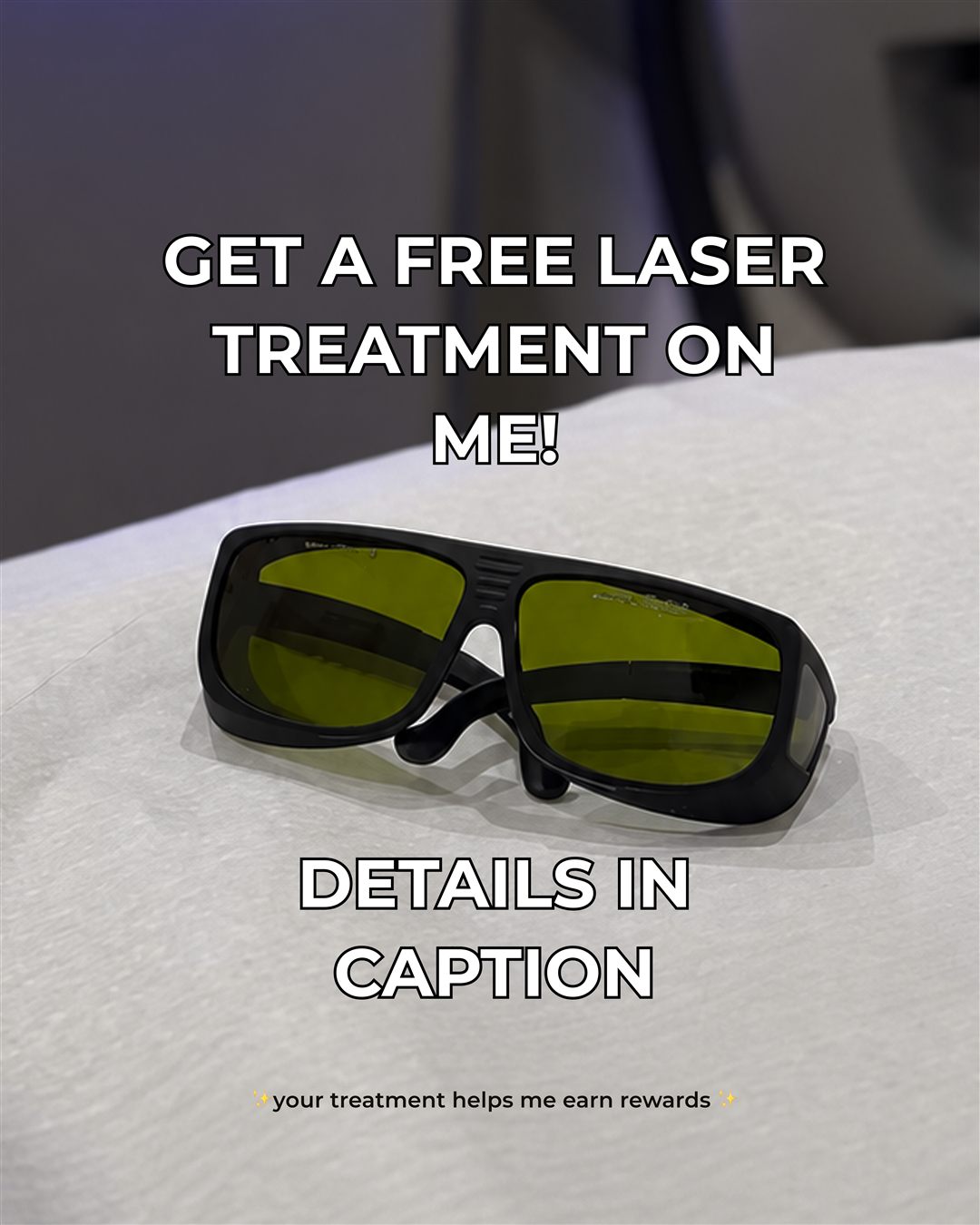
Instagram Feed Post
One static image (4:5 portrait)
Download folder (ZIP)
How to post
Download the image (it comes as a ZIP), unzip it and save the image to your phone.
Post it to your feed and tag @sevskin.
Paste the sample caption below and replace (INSERT YOUR CODE) with your referral code.
Sample caption
Copy caption
@sevskin is my go-to for all things laser and skin, and I think you'll love it too. Get your first treatment free with my referral code (INSERT YOUR CODE). How to redeem: 1) Go to sevskin.com and click Book Now. 2) Create a new profile + insert my code. 3) Choose any of the services listed in the Referral Services tab. 4) Enter my code (INSERT YOUR CODE) to get your first treatment free!
Important: Make sure you're a SEV SUITE member and use your personal referral code or URL to receive your points.
Want to drive even more referrals?
Use these as inspo to create your own content: record yourself, share pics or videos of your treatments, add your code, and don't forget to tag @sevskin.